
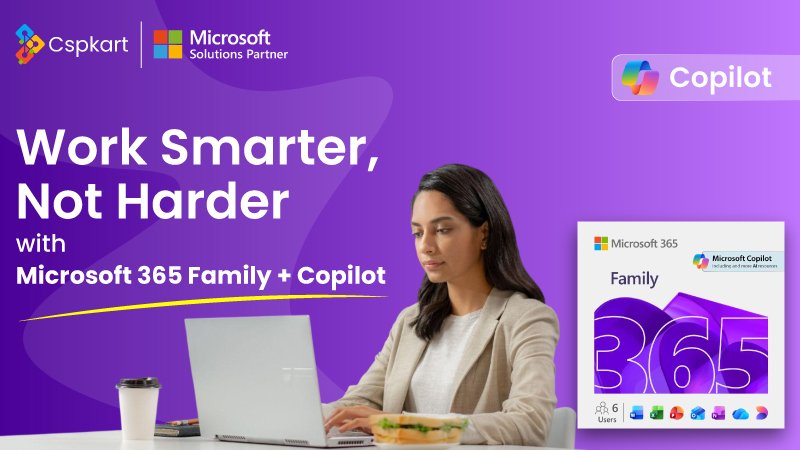
Microsoft 365 Family Subscription: One Plan for Productivity, Security & Cloud Storage
In today’s fast-moving digital world, every family needs reliable tools for work, study, communication, and data security. From online classes for children to work-from-home professionals and everyday document management, the right software can make life easier and more productive.
That’s where Microsoft 365 Family Subscription stands out. Designed for multiple users, packed with premium Office apps, and supported by strong cloud security, it’s not just software—it’s a complete digital ecosystem for modern households.
What Is Microsoft 365 Family Subscription?
Microsoft 365 Family is a yearly subscription plan that allows up to 6 users to access premium Microsoft Office applications, massive cloud storage, and advanced security features under one single plan.
Each family member gets:
-
Their own Microsoft account
-
Private files and settings
-
Personal cloud storage
-
Access across multiple devices
This makes it a smart and cost-effective choice compared to buying individual licenses.
One Subscription, Six Users – Maximum Value
One of the biggest advantages of the Microsoft 365 Family Subscription is its multi-user support.
With one plan, you can share benefits with up to six people, and each user enjoys:
-
Individual Microsoft login
-
Separate files and preferences
-
1 TB personal OneDrive storage
-
Compatibility with Windows, macOS, Android & iOS
This feature alone makes the Family plan far more economical for households.
Premium Microsoft Office Apps Included
With Microsoft 365 Family, users get full premium access to Microsoft’s most powerful tools:
-
Microsoft Word – Documents, resumes, assignments
-
Microsoft Excel – Budgeting, calculations, reports, data analysis
-
Microsoft PowerPoint – Presentations, projects, slideshows
-
Microsoft Outlook – Email, calendar, and task management
-
OneNote – Notes, planning, and ideas
-
Publisher & Access (Windows only)
All apps are available on desktop, tablet, and mobile, ensuring complete flexibility.
1 TB OneDrive Cloud Storage for Each User
Cloud storage is essential in today’s digital life, and Microsoft delivers it perfectly.
Each user under the Microsoft 365 Family plan receives:
-
1 TB OneDrive cloud storage
-
Automatic file backup
-
Secure photo and document storage
-
Easy and password-protected file sharing
Your important data stays safe, accessible anywhere, and protected from accidental loss.
Advanced Security You Can Trust
Stay protected online with built-in security features such as:
-
Microsoft Defender antivirus (PC & mobile)
-
Ransomware detection and protection
-
File recovery options
-
Secure, password-protected file sharing
These tools ensure peace of mind for the entire family.
Share with Up to 6 People Easily
Each member gets their own Microsoft account, login, and storage. You can:
-
Add or remove users anytime
-
Manage access easily
-
Keep personal data private
Perfect for families with children, students, and working professionals.
Use on All Your Devices
Install and use Microsoft 365 apps on:
-
Windows PCs
-
macOS devices
-
iPhones & iPads
-
Android smartphones & tablets
Switch devices anytime without losing productivity.
Why Microsoft 365 Family Is Perfect for Indian Households
With digital learning, remote work, and smart homes becoming common in India, Microsoft 365 Family fits perfectly.
It is:
-
Cost-effective – One plan for the whole family
-
Student-friendly – Ideal for school and college work
-
Business-ready – Excel, Outlook & PowerPoint for professionals
-
Safe & private – Secure cloud storage and email
One subscription replaces multiple individual purchases, saving money and effort.
Why Buy Microsoft 365 Family from CSPKart?
At CSPKart, you get more than just a license:
-
Instant Digital Delivery – No waiting
-
100% Genuine Microsoft License
-
Easy Activation with your Microsoft account
-
Indian Support Team for quick assistance
-
Secure Checkout with trusted payment gateways
-
Best Price Guarantee on authentic software
How to Activate Microsoft 365 Family Subscription
Activating your subscription is simple:
-
Purchase Microsoft 365 Family from CSPKart
-
Receive your activation key and instructions via email
-
Visit setup.office.com and sign in
-
Enter your product key and install apps
-
Invite family members via email
You’ll be ready to use Microsoft 365 in minutes.
Microsoft 365 Family vs Microsoft 365 Personal
| Feature | Family Plan | Personal Plan |
|---|---|---|
| Users | Up to 6 | 1 |
| Storage | 6 TB (1 TB each) | 1 TB |
| Sharing | Yes | No |
| Value for Money | Excellent for families | Good for individuals |
| Price | Slightly higher, more benefits | Lower, limited use |
Choose Family if more than one person will use Microsoft 365 at home.
Where to Buy Microsoft 365 Family Subscription?
To ensure a genuine license, fast delivery, and reliable customer support, always buy from a trusted platform.
CSPKart offers a secure checkout experience, quick activation assistance, and smooth onboarding—so you can start using Microsoft 365 without delays or complications.
The Microsoft 365 Family Subscription is not just about software—it’s about smarter living. From school assignments to office projects, family photos to secure cloud storage, it brings your entire household together under one powerful plan.
If you’re looking for a long-term productivity solution that grows with your family’s needs, Microsoft 365 Family is the smart choice.