

Description
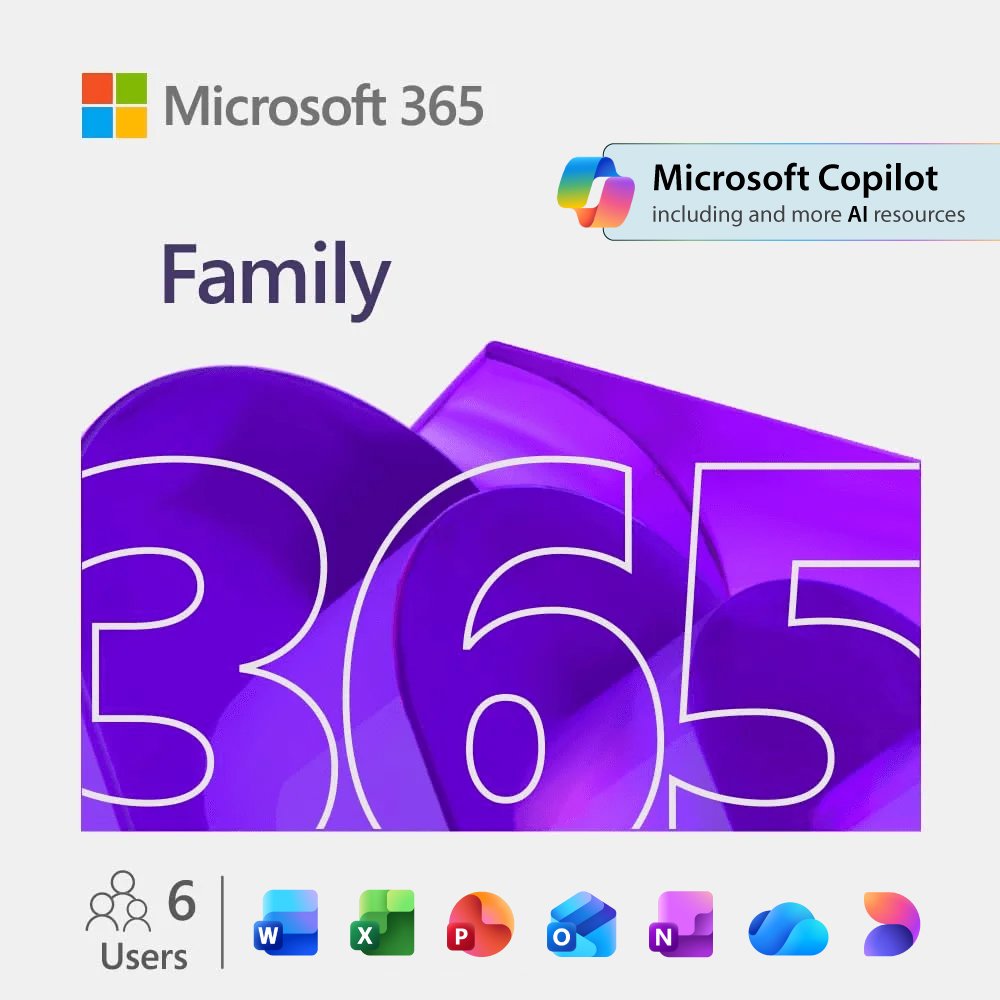
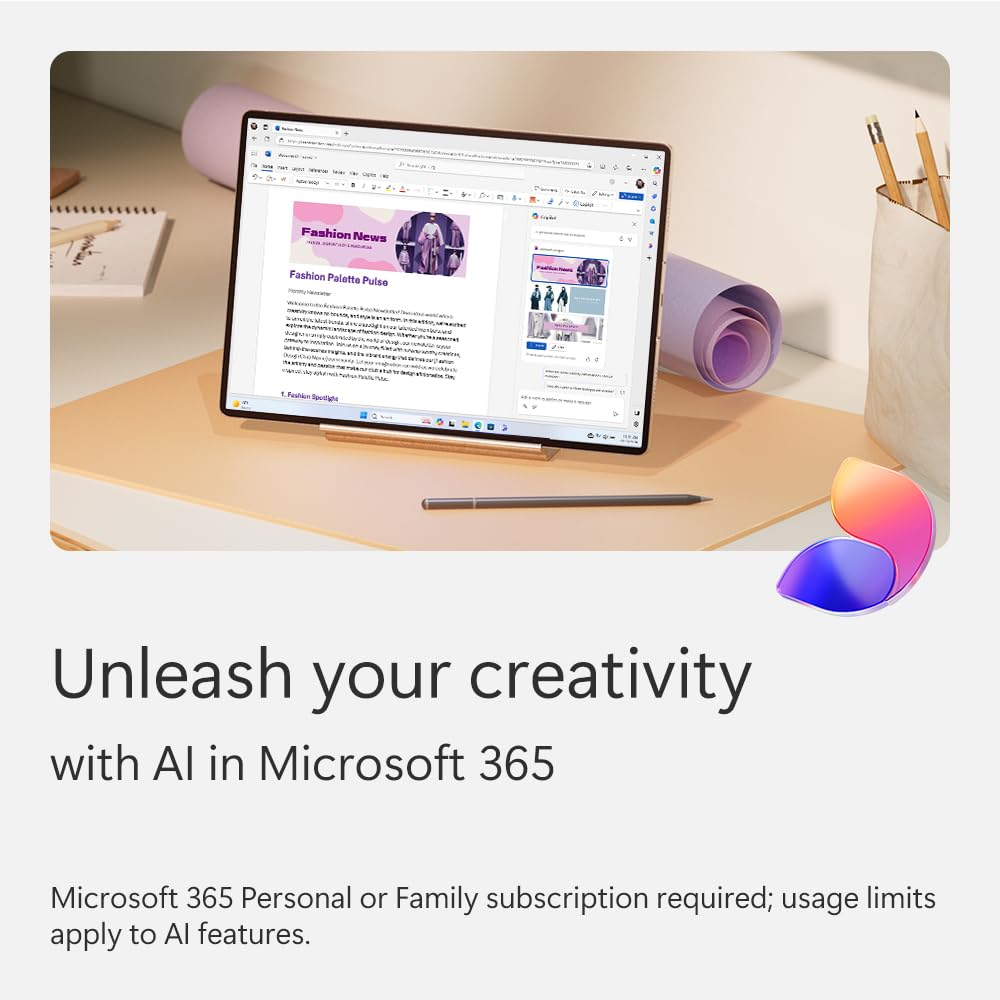
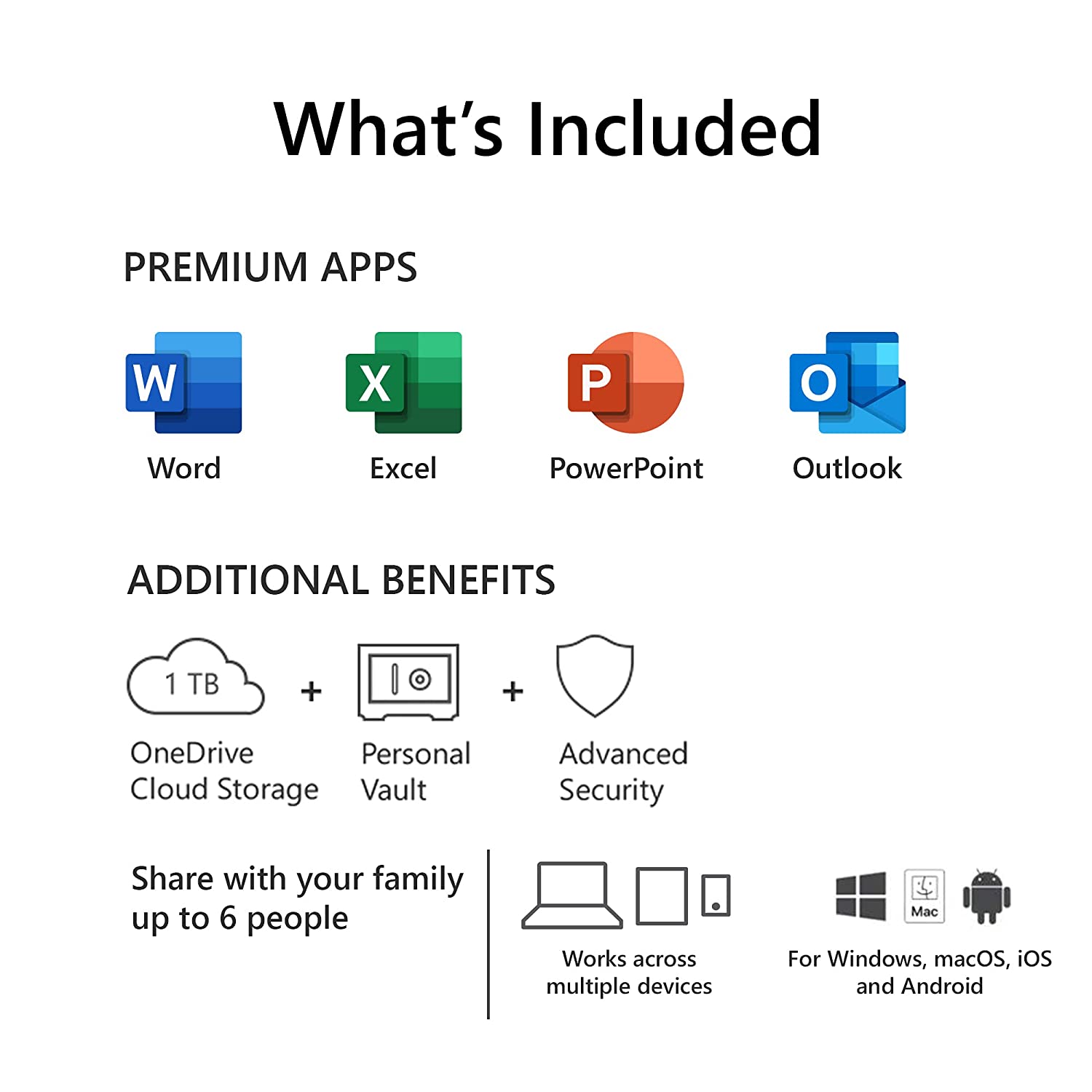
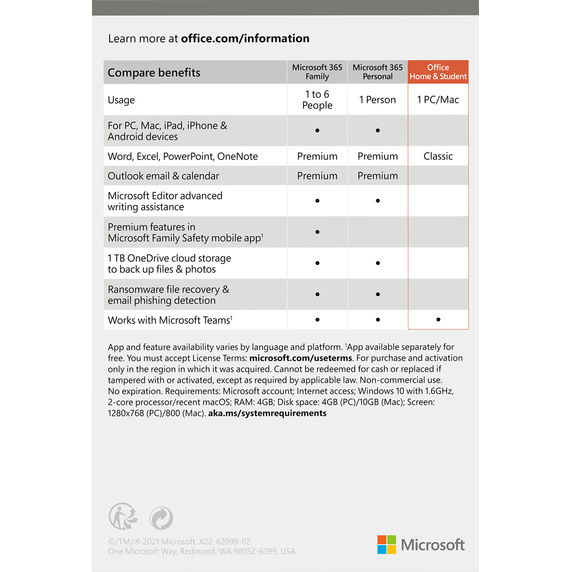
Microsoft 365 Family is a subscription for one to six people that includes advanced security, cloud storage, and innovative apps with AI.
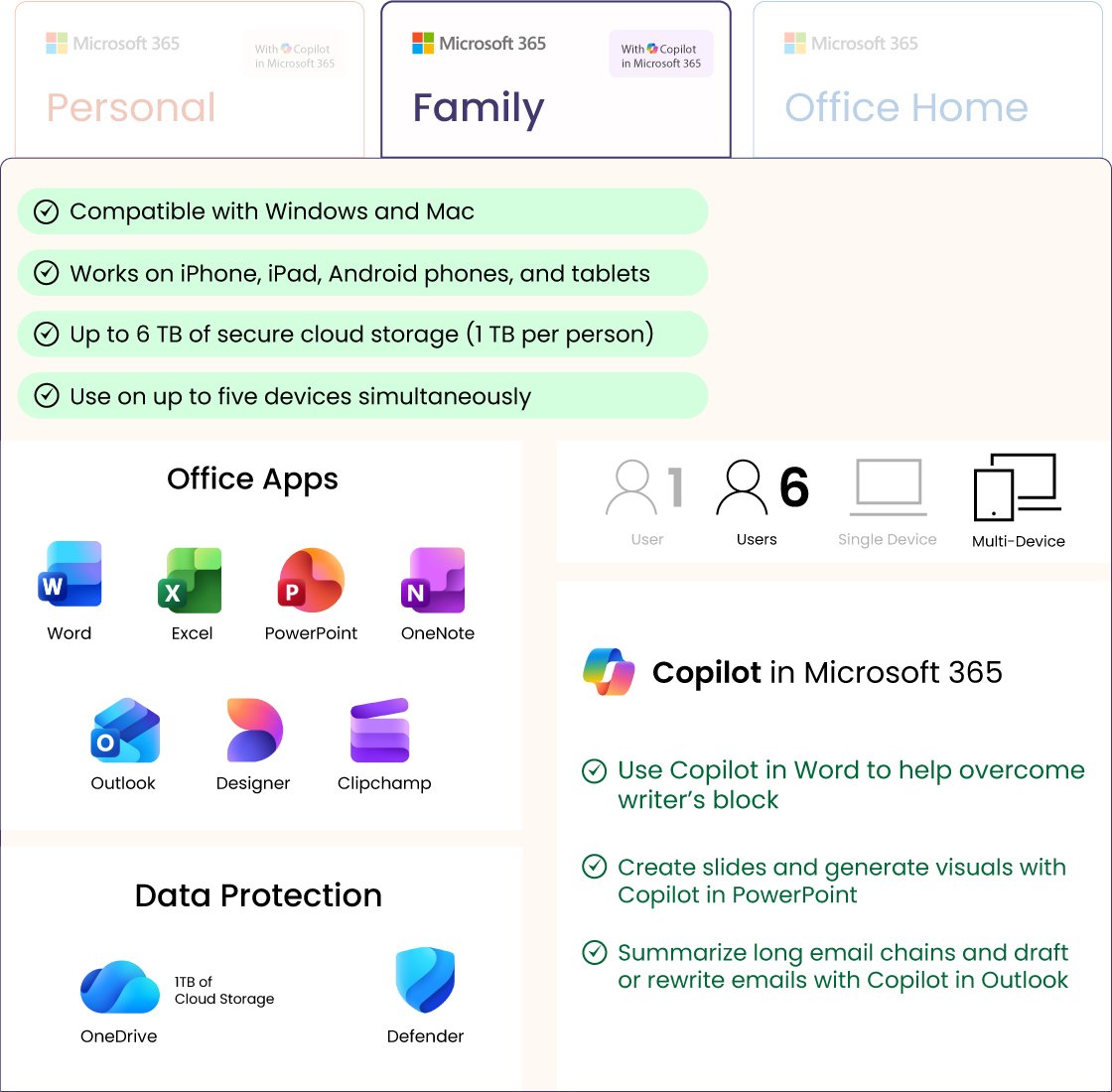
- For 1 to 6 people
- Each person can use on up to five devices simultaneously
- Works on PC, Mac, iPhone, iPad, and Android phones and tablets
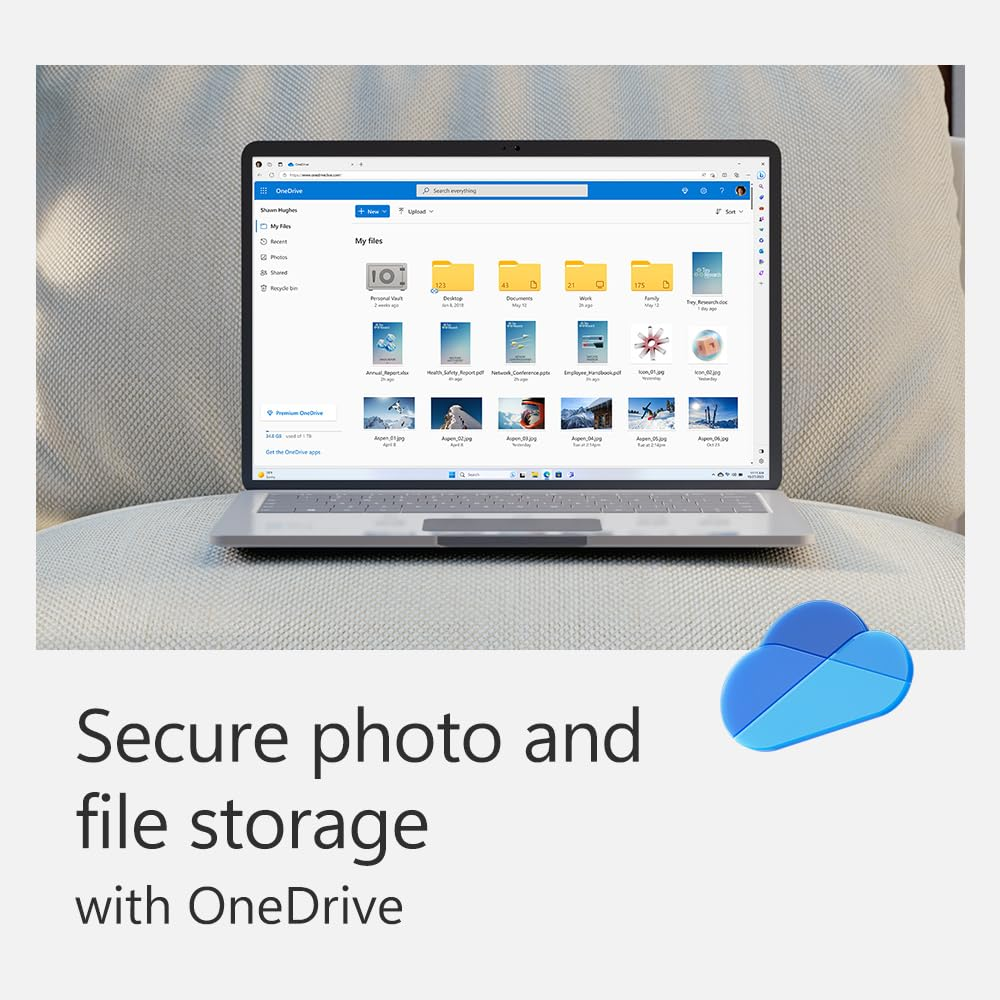
- Up to 6 TB of secure cloud storage (1 TB per person)
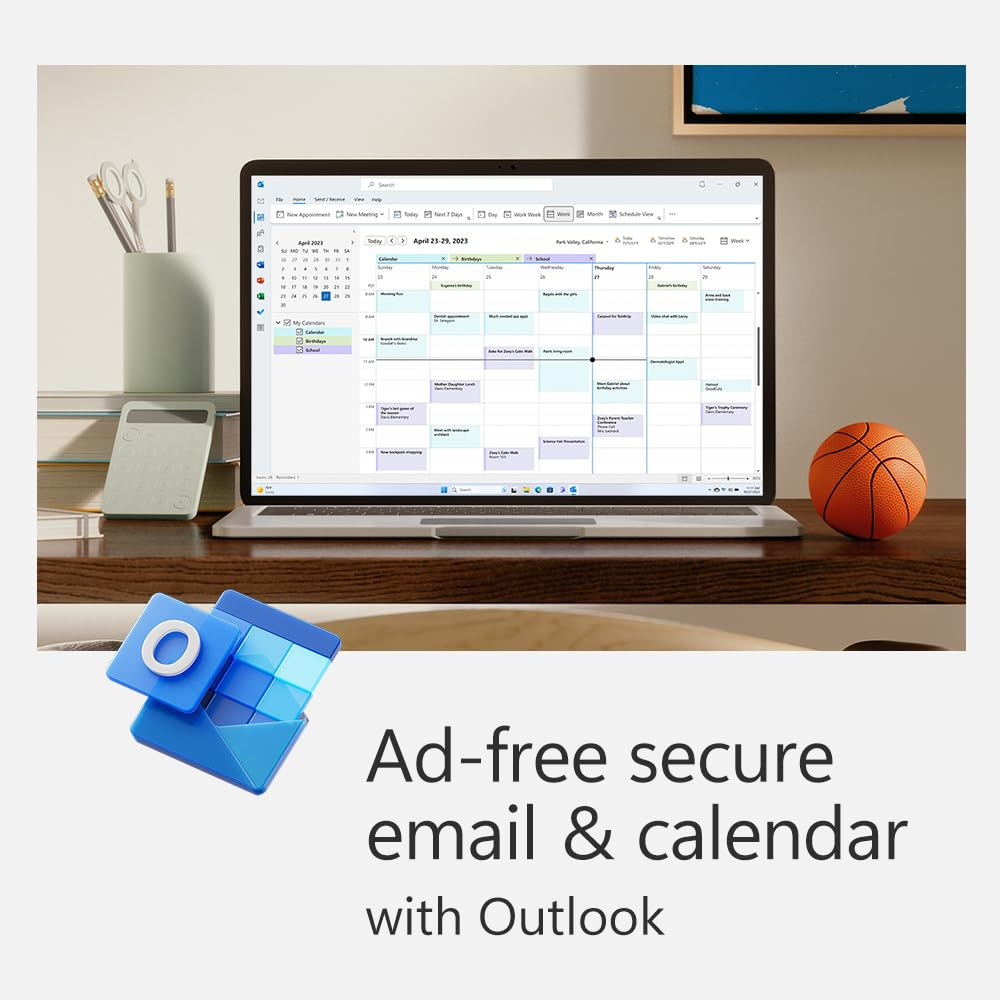
- Word, Excel, PowerPoint, Outlook, and OneNote desktop apps with Microsoft Copilot
- Higher usage limits than free for select Copilot features
- Microsoft Designer AI-powered image creator and editor
- Clipchamp video editor with exclusive filters and effects
- Microsoft Defender advanced security for your family’s personal data and devices
- OneDrive ransomware protection for your family’s photos and files
- Microsoft Teams with calls up to 30 hours and meetings up to 300 people
- Ongoing support for help when you and your family need it
Copilot and AI image creation are only available to the subscription owner and usage limits apply. App availability varies by device/language. Features vary by platform and region.
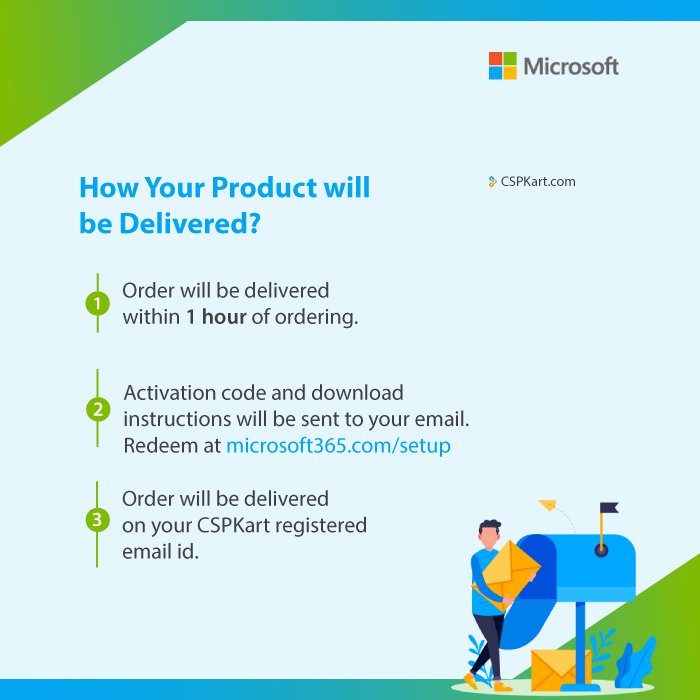
Redemption instructions
Step 1:
To set up Office for the first time, visit the Office setup page:
-
https://www.microsoft365.com/setup or https://setup.office.com
For business accounts, use:
Follow the on-screen instructions.
Step 2:
Sign in with your Microsoft account, or create one if you don’t already have one.
Make sure to remember this account, as you’ll need it to install or reinstall Office in the future—no product key required.
Step 3:
If prompted, enter your 25-character product key (without hyphens).
If you don’t see an option to enter the product key, it has already been entered automatically. The activation code will be included in the email sent to your registered (Amazon-provided) email address.
Step 4:
Follow the prompts to complete the redemption and installation process.
For Office 2024 setup, visit:
https://support.microsoft.com/en-us/office/download-install-or-reinstall-microsoft-365-or-office-2024-on-a-pc-or-mac-4414eaaf-0478-48be-9c42-23adc4716658
Important:
If you are renewing a Microsoft 365 subscription, be sure to sign in with the Microsoft account associated with your existing subscription.