

Description
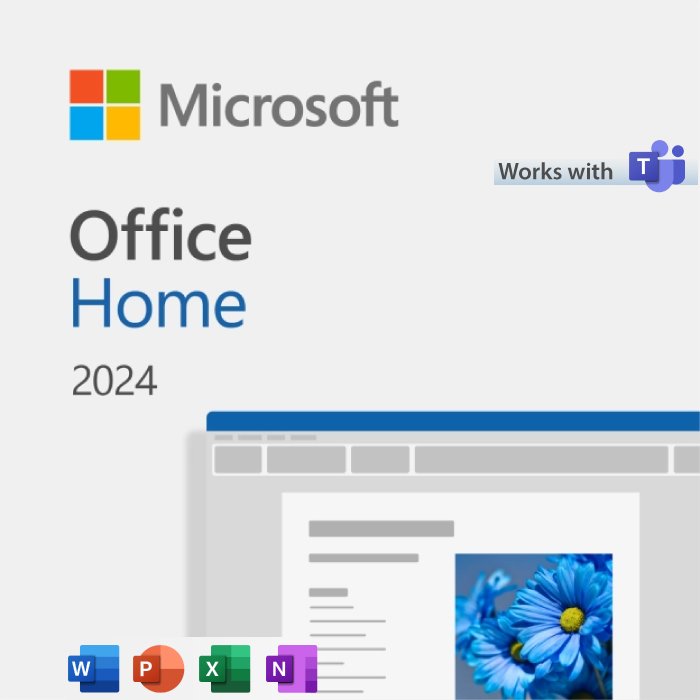
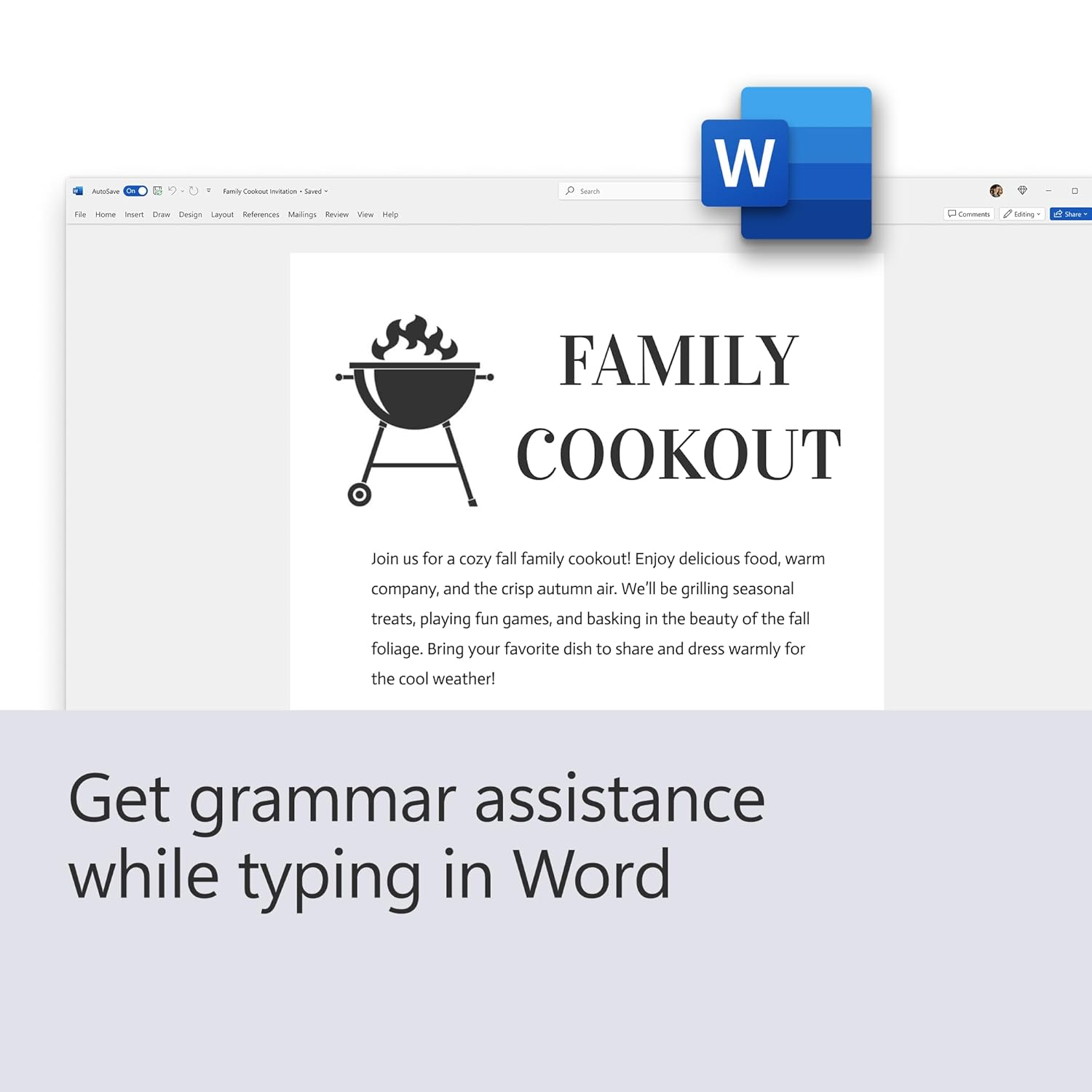
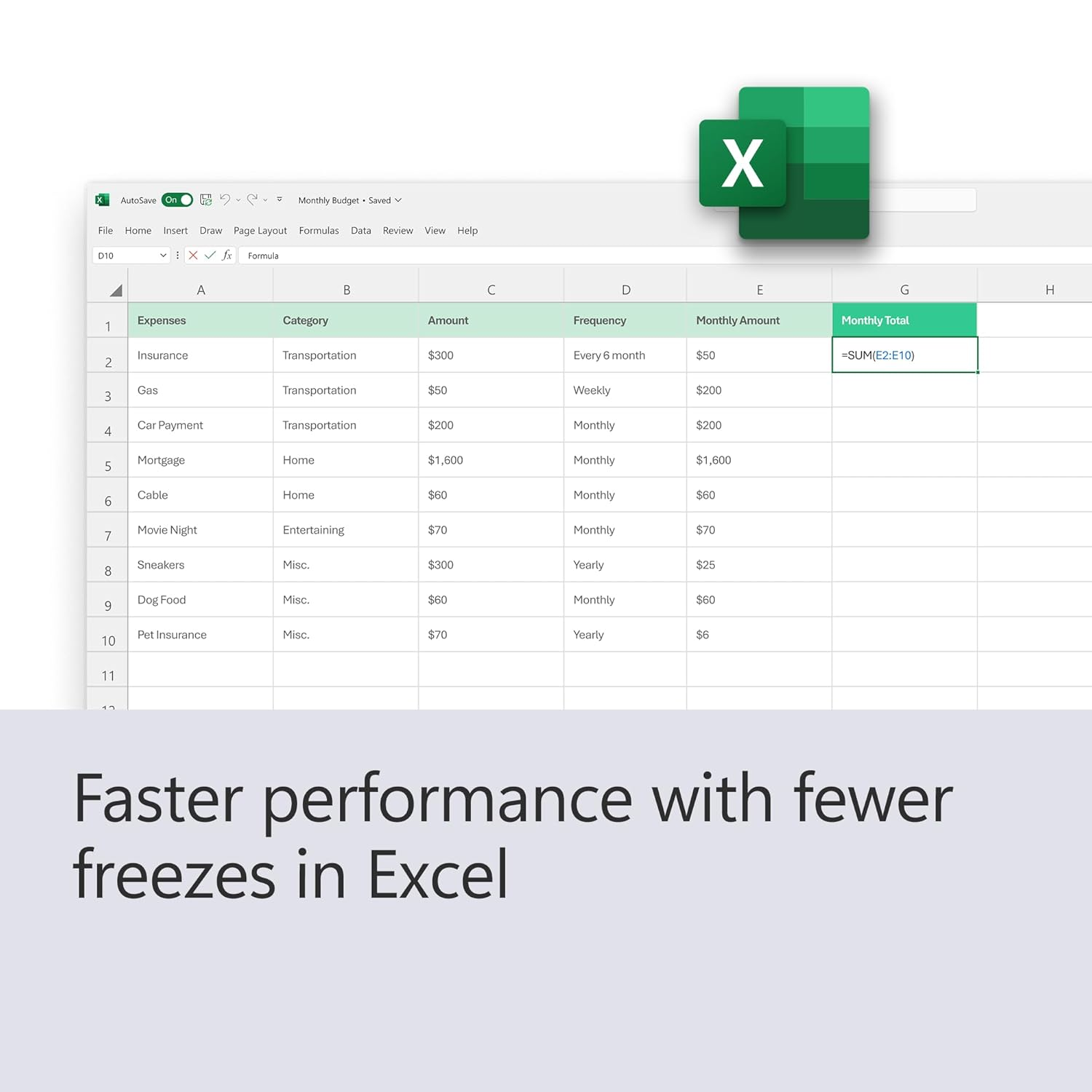
The essentials to get it all done. Office Home 2024 is for students and families who want classic Office apps including Word, Excel and PowerPoint for Windows 11 and Windows 10. A one-time purchase installed on one PC or Mac for use at home or school.
- One-time purchase for 1 PC or Mac
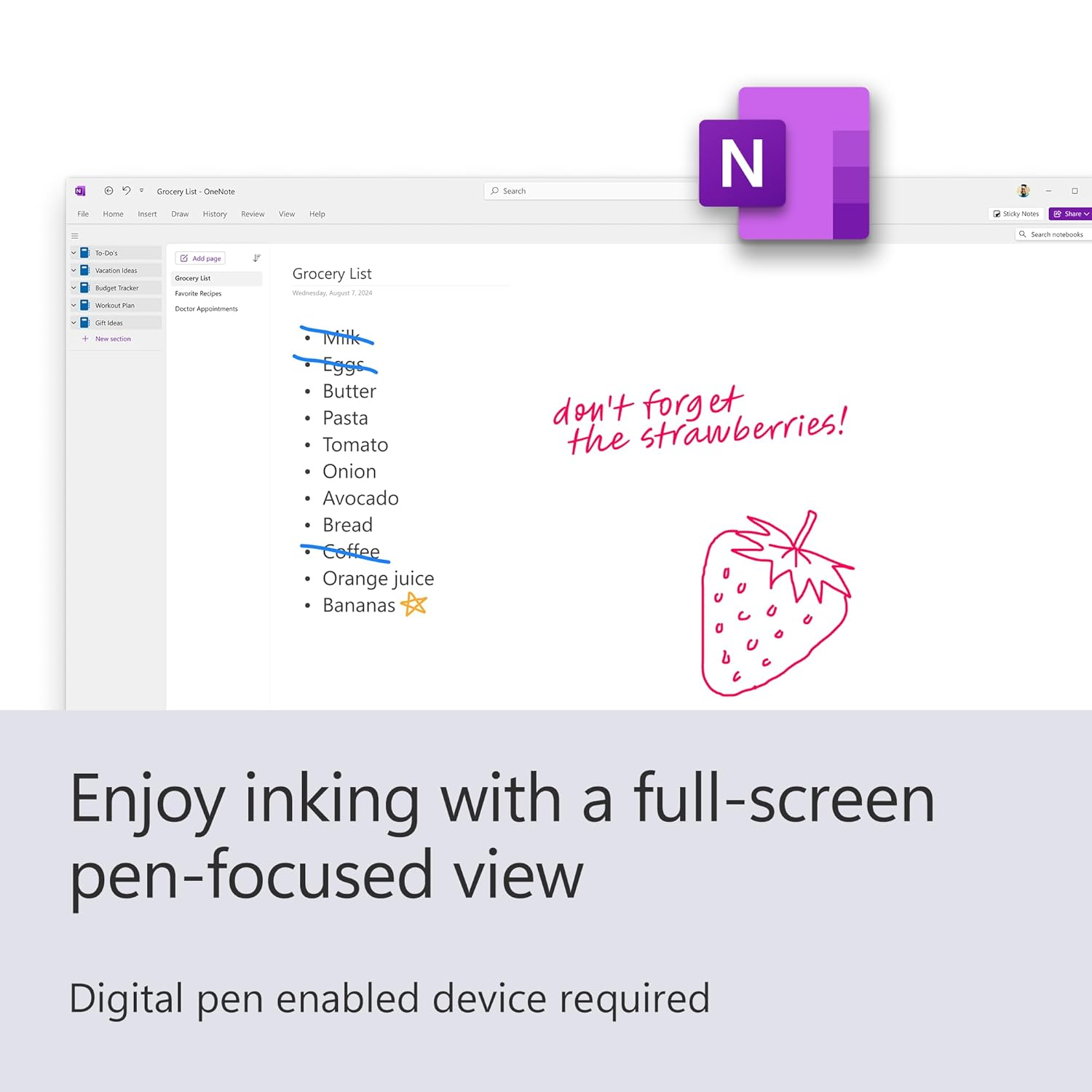
- Classic 2024 desktop versions of Word, Excel, PowerPoint, and OneNote
- Access to support resources
- Compatible with Windows 11, Windows 10, or macOS*
- For non-commercial use
- Works with Microsoft Teams
*Go to aka.ms/systemrequirements for compatible versions of Windows 11, Windows 10, and macOS and for other feature requirements.
Redemption instructions
Step 1:
To set up Office for the first time, visit the Office setup page:
-
https://www.microsoft365.com/setup or https://setup.office.com
For business accounts, use:
Follow the on-screen instructions.
Step 2:
Sign in with your Microsoft account, or create one if you don’t already have one.
Make sure to remember this account, as you’ll need it to install or reinstall Office in the future—no product key required.
Step 3:
If prompted, enter your 25-character product key (without hyphens).
If you don’t see an option to enter the product key, it has already been entered automatically. The activation code will be included in the email sent to your registered (Amazon-provided) email address.
Step 4:
Follow the prompts to complete the redemption and installation process.
For Office 2024 setup, visit:
https://support.microsoft.com/en-us/office/download-install-or-reinstall-microsoft-365-or-office-2024-on-a-pc-or-mac-4414eaaf-0478-48be-9c42-23adc4716658
Important:
If you are renewing a Microsoft 365 subscription, be sure to sign in with the Microsoft account associated with your existing subscription.